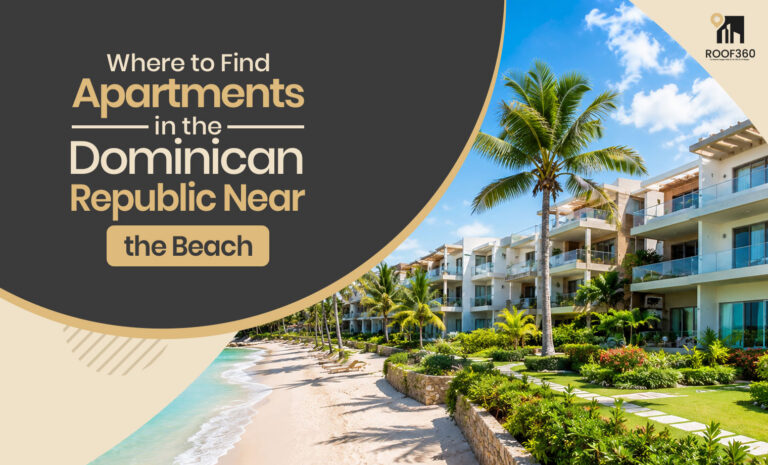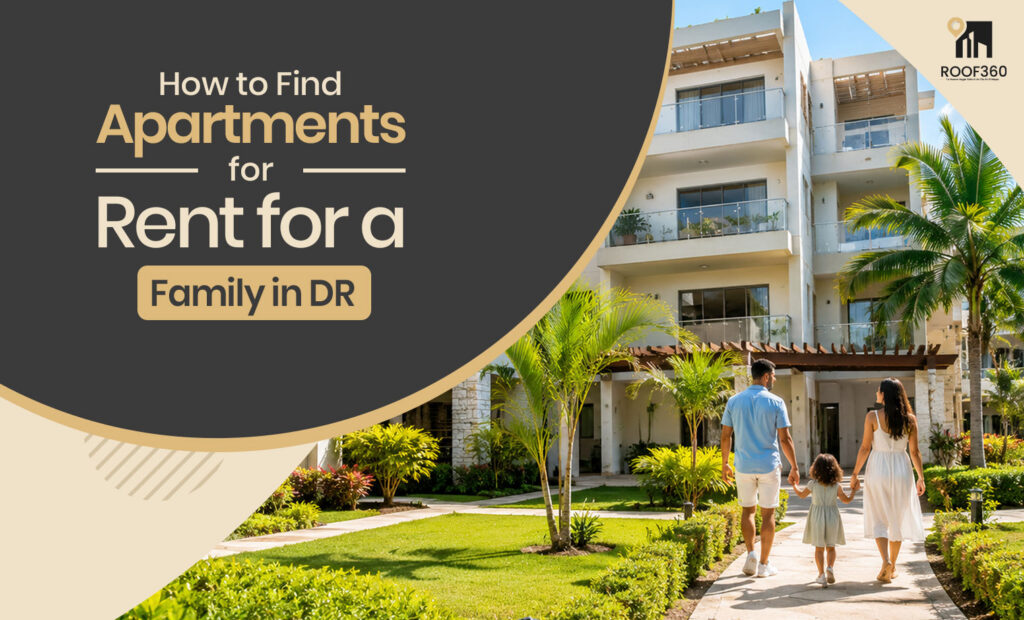
You can find apartments for rent for your family on Roof360, from beachfront condos in Punta Cana to city apartments in Santo Domingo and Santiago. Open Browse Properties, pick a location under For Rent, and use the filters to see only the homes that fit your budget and your family.
Most families start the search the same way. They look through dozens of Dominican Republic apartments for rent, and many of the homes on the screen do not fit. The price runs too high, the sector sits too far from school, or the unit has too few bedrooms.
That is why this guide shows exactly how to find apartments for rent for a family, step by step. You will set your price and property type with the filters, so only the right homes appear. We added clear steps and visuals to make the search easy, plus the checks every family should make before a lease.
Quick takeaways
You can find family apartments for rent on Roof360 across the Dominican Republic, from the beach to the city.
Click Browse Properties, choose a location under For Rent, and set your filters.
Filter by property type, price, and bedrooms, so only homes that fit your family appear.
Contact agents and owners directly from each listing.
Before you sign, check the contract, the owner, the water, the power, and the school route.
See How to Search for Family Apartments on Roof360
The short video below shows the full search on Roof360, from the first click to the filtered results. Watch it once, and the steps that follow will feel familiar.
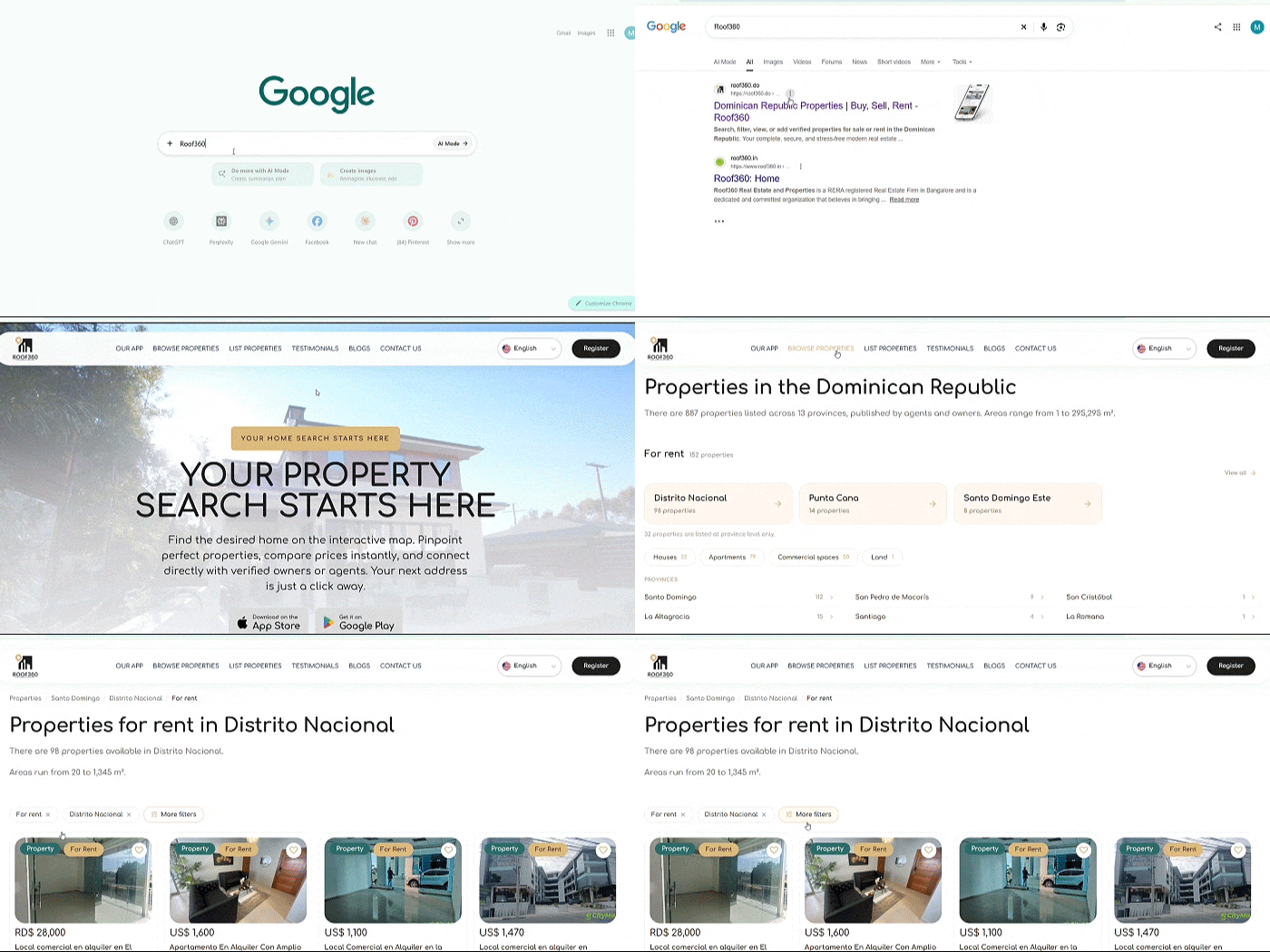
As you can see, the search takes less than a minute. The filters do the hard work, so you only compare homes that match your family’s needs.
How to Find Apartments for Rent for a Family in 5 Steps
Here is how to find apartments for rent for a family on a trusted platform like Roof360.
1. Open a Trusted Real Estate Platform
Start on a platform that shows real listings from agents and owners, with the exact location on a map. Open Roof360 on your phone or computer.
2. Click Browse Properties
At the top of the page, click Browse Properties. This opens every available listing in the Dominican Republic, for sale and for rent.
3. Choose a Location Under For Rent
Scroll down to the For Rent section. Then click the city or sector where your family wants to live, such as Santo Domingo, Santiago, or Punta Cana. Families who want space and a calmer pace often look at apartments for rent in Santiago, while Punta Cana apartments for rent suit families who want beach life. In the capital, many families start with apartments for rent in Santo Domingo around Naco, Piantini, or Bella Vista.
4. Set Your Filters
After you open a location, use the filters to narrow the list. Choose the property type, such as apartment or house, and set your minimum and maximum price. Add the number of bedrooms your family needs.
The list now shows only the homes inside your budget and size. You skip the listings that never fit in the first place.
5. Compare Homes and Contact the Seller Directly
Open each listing to see the photos, the size in square meters, and the exact spot on the map. When a home fits, contact the agent or owner directly from the listing to ask questions or book a visit.
Tips After You Choose an Apartment
The right apartment is only half the job. These checks protect your family before you sign or send any money.
- Read the contract carefully. Under Law 85-25, a residential deposit cannot exceed two months of rent. If the lease does not set a rent increase, the yearly increase cannot pass 10%. Have a Dominican lawyer review any unclear clause.
- Confirm who owns the apartment. Ask for identification and proof of ownership. If an agent rents for the owner, ask for written authorization.
- Check water and power. Ask about the cisterna, the tinaco, the water pump, the inversor, and the planta eléctrica. Open several taps at once and test the pressure upstairs.
- Test the school and work route. Drive it on a weekday morning, not on a Sunday. A ten-minute route on the map can take much longer at school drop-off.
- Add up the full monthly cost. Include rent, the cuota de mantenimiento, electricity, internet, gas, and parking. Long-term rent in the Dominican Republic often excludes utilities.
- Visit after dark. Check the lighting, the noise, the security at the gate, and the parking.
- Record the inventory. Take photos of every room and any damage, list the furniture and appliances, and keep signed receipts for every payment.
- Pay safely. Send money only by bank transfer to the person named in the contract. Never pay a deposit before a live video tour or an in-person visit.
Many families rent for six to twelve months before they buy. That time shows you the traffic, the schools, and the services in each sector. When you feel ready, our guide on how to buy property in the Dominican Republic explains the next step.
Home Sweet Home, Without the House Hunt Headache
Now you know how to find apartments for rent for a family without endless searches. Pick your location, set your filters, and compare only the homes that fit your budget and your routine.
Then check the contract, the water, the power, and the school route before you sign. Do that, and your new home works on a busy Monday morning, not just in the photos. If the beach calls your family, see where to find apartments near the beach too.